
Turn spreadsheet rows into PDF documents automatically
Docuplate converts CSV spreadsheet rows into PDF documents by mapping columns to a reusable template, with preflight checks on every row before download.
Upload a CSV, match columns to template fields, and download a PDF for each row. Ideal for monthly billing, statements, certificates, and any repeat document layout.
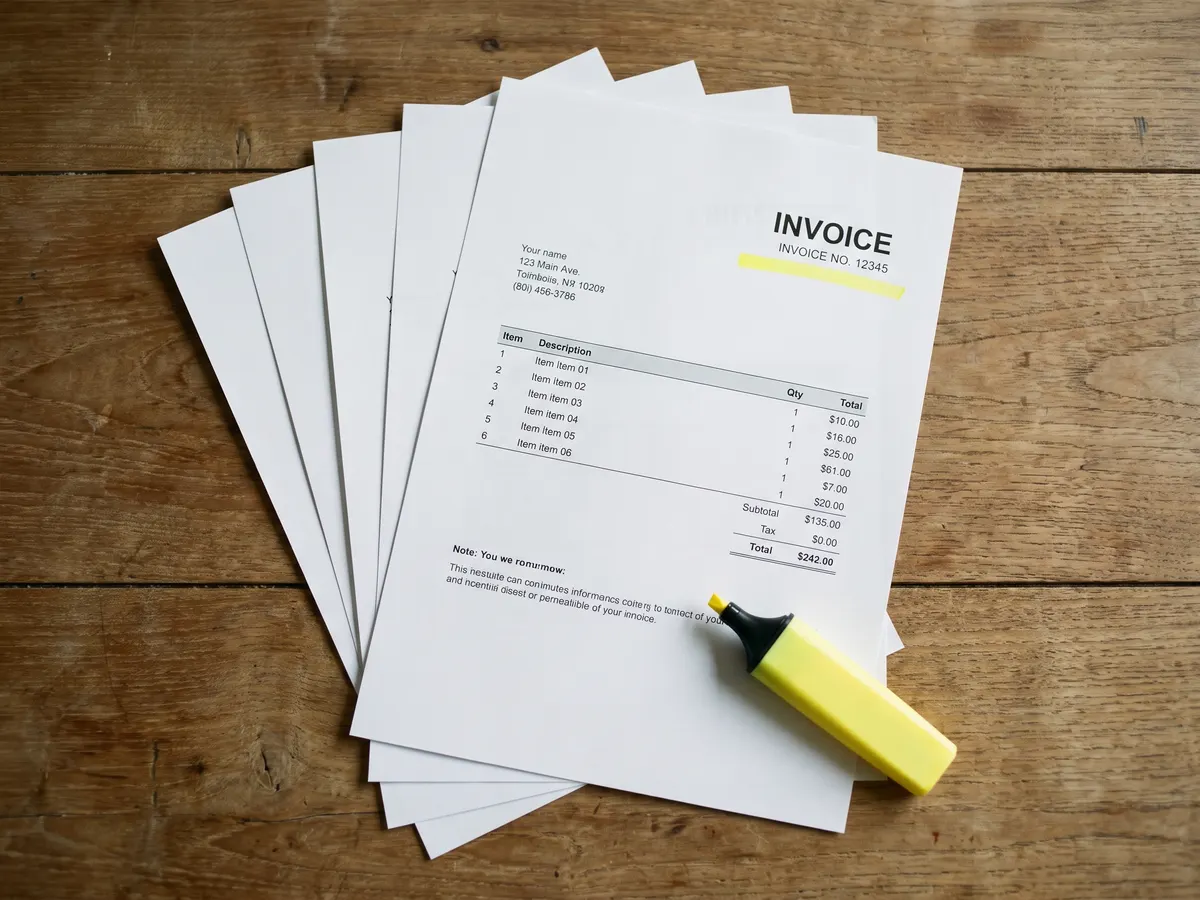
From spreadsheet rows to PDFs in minutes
Upload a CSV, confirm column mapping, generate one PDF per row, and download the full batch as a ZIP.
Why teams use Docuplate
Column mapping UI
Match spreadsheet headers to template fields before you run to catch mismatches early.
One layout, many PDFs
Each CSV row fills the same template blocks with different customer or transaction data.
Preflight per row
Blank required fields and total mismatches are flagged before bad PDFs are generated.
Same output as manual downloads
Batch PDFs use identical styling to documents you export one at a time from the builder.
How it works
Prepare your template
Build or import a document and confirm sample data maps to every field you need.
Upload your CSV
Add a spreadsheet with one row per PDF: names, amounts, dates, and custom columns.
Download the batch
Generate up to 100 PDFs per run and download individually or as a zip.
Common questions
Which plans include CSV to PDF?
What file format is supported?
How is CSV to PDF different from the API?
From the blog
- Google Sheets to PDF: Turn Each Row into Its Own Document
Export a sheet as CSV, map columns to template fields, run preflight, download a zip of PDFs. Works for invoices, certificates, and statements. CSV batch starts on Starter, 100 rows per run.
- CSV Batch PDF Generation: One Template, Hundreds of Documents
Upload a spreadsheet, map columns to template fields, and download a PDF for every row. Ideal for monthly billing runs and certificate lists.
Ready to try it?
Free plan includes starter templates and 5 PDF downloads per month.
18 templates. Free to start.
Sign up