Automate invoice and quote PDFs when orders come in
Docuplate automates PDF generation by connecting order or form JSON to a reusable template via webhooks, public forms, or REST API, so invoices and quotes are produced without manual document editing.
Connect your store, booking system, or internal tool with a webhook or REST API. Docuplate fills your template and returns a print-ready PDF; no manual export from Word.
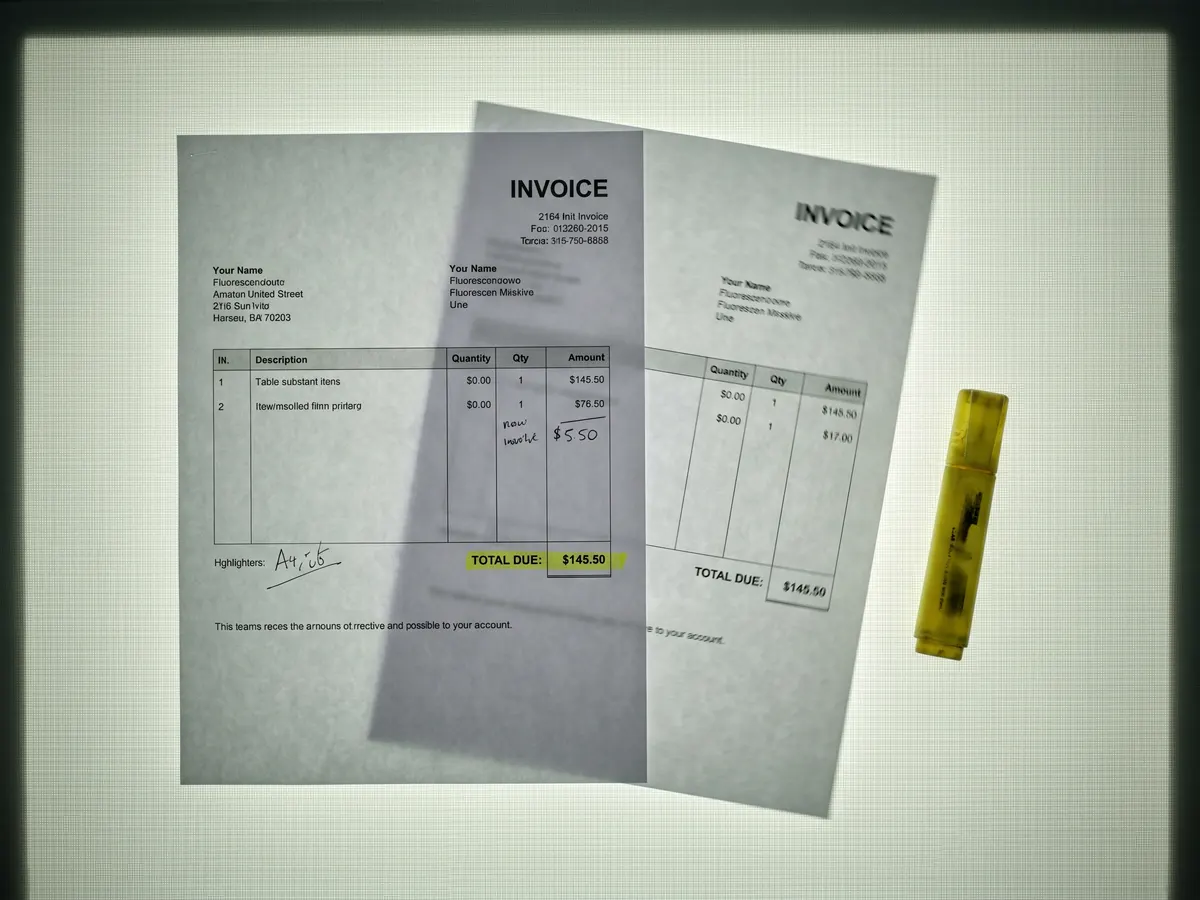
From order JSON to PDF automatically
Paste a webhook URL into your store or app, map incoming order fields once, and Docuplate generates a print-ready PDF on every trigger.
Why teams use Docuplate
Webhooks on every plan
Paste one magic URL into your store or automation tool; PDFs generate when JSON order data arrives.
Public forms without code
Share a link so customers or staff fill fields and download a PDF without touching the builder.
REST API on Pro and Business
Issue API keys and generate PDFs from your backend when you need server-side control.
Same template for manual and automated runs
Design once in the visual builder; preview with sample data before turning on automation.
How it works
Design your document template
Build or import an invoice, quote, or delivery note template and map JSON fields to blocks.
Connect your trigger
Add a webhook URL to your order flow, share a public form, or call the generation API from your app.
Ship PDFs automatically
Each payload fills the template, runs preflight checks, and produces a downloadable PDF.
Common questions
Do I need the API to use webhooks?
What data format do webhooks expect?
Can I still download PDFs manually?
From the blog
- Generate a PDF from Zapier or Make: HTTP Module Setup Step by Step
POST JSON to Docuplate from a Zapier webhook or a Make HTTP module, then email or store the fileUrl. API keys start on Pro. Webhooks and public forms work on every plan without a key.
- How to Automate Invoice PDF Generation Without Code
Connect webhooks or public forms to a reusable invoice template so PDFs generate when orders arrive. No server setup on the free plan.
Ready to try it?
Free plan includes starter templates and 5 PDF downloads per month.
18 templates. Free to start.
Sign up