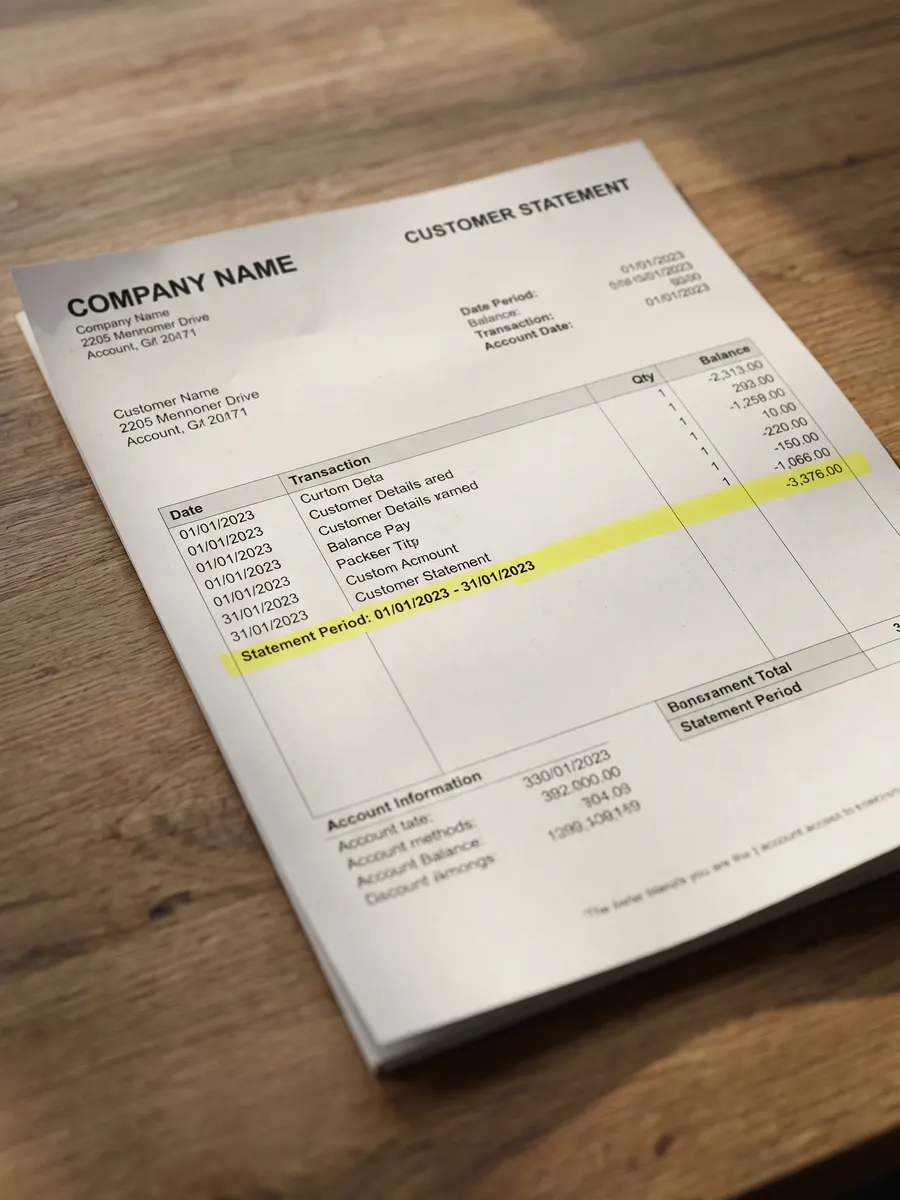
Visual PDF template builder
Design PDF templates once. Generate and automate at any scale.
Create invoices, quotes, and other business documents in a simple drag-and-drop builder. Add your
details once, download a PDF anytime, run a whole spreadsheet at once, or let PDFs generate
automatically when orders or customer forms come in.
How Docuplate helps you ship professional business PDFs
Most small businesses send the same documents every week, invoices after a job, quotes before work
starts, and delivery notes when goods ship. Generic word processors make it easy to break alignment,
miss totals, or reuse outdated layouts. Docuplate is built for that repeat workflow: design once,
fill in structured data, and download a print-ready PDF that looks the same every time. Templates
for invoices, quotes, and delivery notes are included when you
create a free account, and you can upload an
existing PDF to turn it into an editable starting point.
Every template field can bind to customer names, invoice numbers, tables of line items, and totals.
Automatic checks flag blank required fields and mismatched totals before download. When you outgrow
one-off downloads, connect a webhook or public form, or use the REST API described in our
integration guides when your engineering team is ready.
Plans scale from a free tier through paid options with higher monthly PDF limits, team seats, and
custom branding. Compare limits on our
pricing page before you commit. Generated files are
standard PDFs compatible with common viewers; for background on the format, see the
ISO PDF specification.
If you invoice Australian customers,
official invoicing guidance from business.gov.au
summarises what to include on tax invoices.
Built for people who send documents, not write code
Small business owners, office teams, and developers who need API automation all use the same visual
editor. Starter templates cover invoices, quotes, and delivery notes out of the box.
PDF template solutions
Free tools
Document templates
Automation and batch
Compare Docuplate
Frequently asked questions
Do I need to know how to code?
No. You can create, edit, and download PDFs entirely in your browser. Coding is only needed if you
want to automate PDFs from another system.
Can I upload a PDF I already send to customers?
Yes. Upload your invoice or quote PDF and Docuplate turns it into an editable template. Free accounts
get 3 AI-assisted imports per month for messy or scanned layouts. After that, local extraction still
works.
What can the AI features do?
Run an AI layout audit, apply fix-layout suggestions, and map JSON fields. Free includes 3 AI-assisted
PDF imports and 3 AI fix-layout runs per month. Starter includes 25 AI audits per month; Pro and Business
add higher limits.
What templates do I get when I sign up?
18 starters across construction, retail, professional services, healthcare, and hospitality, including
invoices, quotes, credit notes, work orders, visit summaries, and more.
How is this different from Word or Google Docs?
Docuplate is built for business documents you send repeatedly. Layouts stay consistent, totals stay
aligned, and you can reuse the same template every month.
What does the free plan include?
18 starter templates, PDF import (3 AI-assisted imports per month), webhooks, forms, 3 AI fix-layout
runs, and 5 PDF downloads per month. CSV batch and AI audits start on Starter ($19/mo). Pro ($39/mo)
adds API keys and teams; Business is $129/mo. See the pricing
page for details.
Can I generate PDFs in bulk from a spreadsheet?
Yes. Upload a CSV on Starter and above to batch-generate dozens of PDFs from one template.
Is there a PDF generation API?
Pro and Business plans include REST API keys. Webhooks and public forms work on every plan without API keys.
How do I automate PDF generation without coding?
Connect a webhook URL to your store or workflow tool, or share a public form link.
What business documents can I create?
Invoices, quotes, estimates, receipts, delivery notes, purchase orders, work orders, certificates, and
status reports.